How to Get Your Store Recommended by ChatGPT
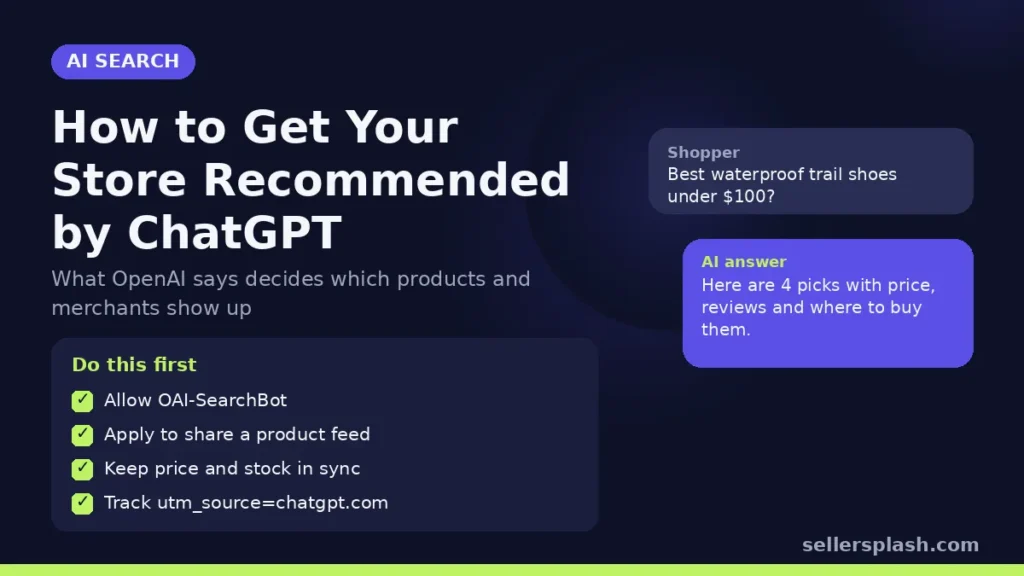
To get your store recommended by ChatGPT, you need three things in place: ChatGPT's search crawler must be able to read your site, your product data has to be complete and consistent everywhere it appears, and, if you qualify, your catalog should reach OpenAI directly through a product feed. OpenAI says products in ChatGPT shopping results are selected independently and are not ads, so there is no way to buy a place in the answer itself. What you can control is how easy your products are to find, read and trust. This guide covers what OpenAI has published about how products and merchants get chosen, and the exact steps to take for any store, whatever platform it runs on.
How ChatGPT Picks Products and Merchants
OpenAI's help article on shopping with ChatGPT search describes the inputs. Product results are built from structured metadata supplied by first party and third party providers, such as price and product description, together with other third party content about the product, such as reviews. When a shopper opens a product, ChatGPT may show a list of merchants that sell it, and that list is generated from merchant and product data.
Two practical points follow from that description:
- Your own data is only one input. ChatGPT also reads what other sites say about your products. A strong product page helps, but so do accurate listings, reviews and mentions elsewhere on the web.
- Consistency matters. If your price, stock status or product name differs between your site, your feed and third party listings, the model has conflicting signals to reconcile. Matching data everywhere removes that problem.
Sponsored placements are a separate system. OpenAI also sells ads in ChatGPT, and our guide to advertising on ChatGPT explains how they work. Ads do not change which products ChatGPT recommends in its answer.
7 Steps to Get Your Store Recommended by ChatGPT
1. Allow OAI-SearchBot in robots.txt
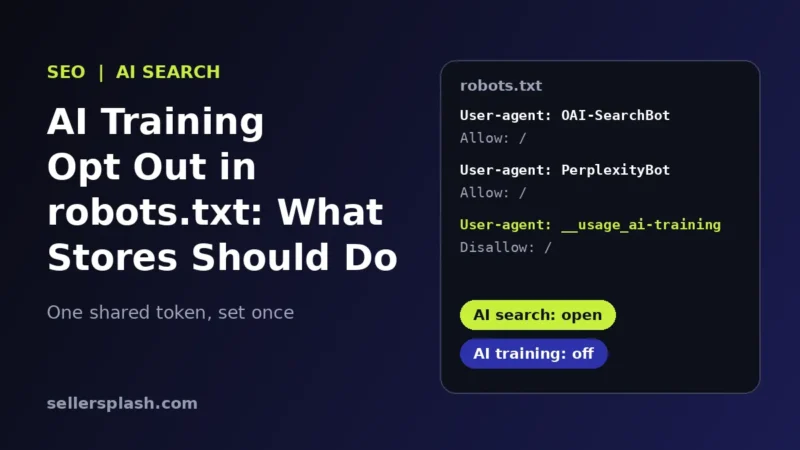
OpenAI's crawler documentation says OAI-SearchBot is the crawler used to surface websites in ChatGPT's search features, and that sites which opt out of it will not be shown in ChatGPT search answers, though they can still appear as navigational links. OpenAI recommends allowing OAI-SearchBot in robots.txt and allowing requests from its published IP ranges. It also notes that it can take about 24 hours for a robots.txt change to take effect for search results.
Check your firewall and bot protection too. A security rule that blocks unknown bots can block OAI-SearchBot even when robots.txt allows it. GPTBot is a different crawler, used for model training, and you can block it without affecting ChatGPT search. Our post on AI training opt outs in robots.txt explains the difference.
2. Apply to share your product feed with OpenAI
OpenAI accepts structured product feeds through its Agentic Commerce Protocol. According to the getting started guide, onboarding product feeds is currently available to approved partners, and merchants apply through the form at chatgpt.com/merchants. Approved merchants upload their catalog over SFTP and keep it current by overwriting the same file with the latest snapshot; OpenAI recommends a full snapshot at least once a day.
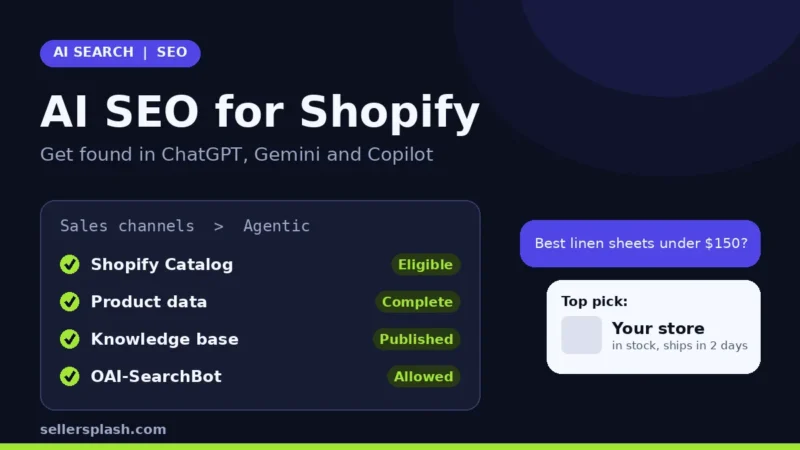
If you run on Shopify, eligible stores already reach ChatGPT through Shopify Catalog and agentic storefronts, with no separate feed to build. Our AI SEO for Shopify guide walks through that setup.
3. Fill in every required product field
OpenAI's product feed reference lists nine required fields for each item or variant: item_id, title, description, url, brand, seller_name, image_url, availability and price. It asks for concise titles and plain text descriptions, with titles of at most 150 characters and descriptions of at most 5,000. Product and image URLs must be publicly accessible, and placeholder values such as "n/a" or "unknown" should not be used, except that "unknown" is an accepted availability value when stock status really is not known.
Even if you never send a feed, these fields are a good checklist for your product pages, because they are the facts any AI shopping system needs to describe a product correctly.
4. Add the optional data shoppers ask about
The same reference includes optional fields that answer common shopper questions: gtin and mpn for exact product matching, sale_price, shipping_price, accepts_returns, return_deadline_in_days, a return_policy URL, and review_count with star_rating. OpenAI's feed best practices say optional fields can improve answer quality but are not required, and recommend leaving out any optional field whose data is not yet reliable. A wrong value is worse than a missing one.
5. Model variants and keep price and stock in sync
OpenAI asks merchants to use a stable parent id and a unique id for each purchasable variant, with variant specific titles, URLs, images, availability and price where they differ. On your site, make sure each variant has its own correct price and stock status in the page and in structured data. An answer that recommends a size that is out of stock, or quotes an old price, sends the shopper somewhere else.
6. Strengthen what others say about your products
Because ChatGPT also draws on third party content such as reviews, the work does not stop at your own site. Encourage genuine reviews on your store and on the marketplaces and review platforms where you sell, keep marketplace listings consistent with your site, and publish useful buying guides and comparison pages that answer real questions. Our answer engine optimization guide covers how to write content AI systems can quote.
7. Track ChatGPT traffic
OpenAI's publishers and developers FAQ says ChatGPT automatically adds utm_source=chatgpt.com to referral URLs, so visits from ChatGPT search results can be tracked in analytics tools such as Google Analytics. If you send a feed, OpenAI's best practices also suggest adding your own parameter, such as utm_medium=feed, to product URLs so feed clicks can be separated from other ChatGPT traffic.
Quick Checklist
- OAI-SearchBot allowed in robots.txt and not blocked by your firewall
- Merchant application submitted at chatgpt.com/merchants, or Shopify Catalog eligibility confirmed
- All nine required product fields complete for every variant
- GTINs, shipping, return policy and review data added where accurate
- Prices and stock status match across your site, feed and marketplaces
- Genuine reviews collected on your store and third party sites
- A report filtered on utm_source=chatgpt.com in your analytics
What Not to Do
- Do not fake reviews or ratings. OpenAI's feed reference asks for your products' actual review count and average rating, and in the US the FTC's rule on fake reviews bans buying or selling fake reviews.
- Do not stuff keywords into titles. OpenAI asks for concise, factual copy. A title written for a crawler reads badly in an answer.
- Do not list prohibited products. OpenAI's getting started guide says it only allows products that are legal, safe and appropriate for a general audience, and lists examples such as age restricted products, weapons and prescription only medications.
- Do not expect a guarantee. OpenAI's feed reference notes that eligibility does not guarantee display. Anyone who promises a ChatGPT placement is promising something OpenAI does not.
Where an Agency Fits
Steps 1 and 7 take an hour. Steps 3 to 6 are ongoing data and content work, and they matter just as much for Google: Google says its AI features rely on the same SEO fundamentals as regular search. Our AI search optimization service handles crawler access, product data, structured data and the content AI assistants cite, for stores that want it done for them.
Want to see how ChatGPT and Google read your store today? The Full AI Visibility Audit ($99) includes a site scan of AI crawler access, and the Deep Growth Audit ($249) adds search, traffic and product feed checks with a 90 day plan.
Frequently Asked Questions
Can I pay to have ChatGPT recommend my products?
No. OpenAI says products in ChatGPT shopping results are selected independently and are not ads. ChatGPT ads are a separate, labeled placement and do not change which products the answer recommends.
How does ChatGPT decide which products to show?
OpenAI says it uses structured metadata from first party and third party providers, such as price and product description, plus other third party content such as reviews. The list of merchants for a product is generated from merchant and product data.
Do I need a product feed to appear in ChatGPT?
Not always. ChatGPT can find products through its search crawler, OAI-SearchBot. A direct product feed gives OpenAI accurate, current data, but feed onboarding is currently limited to approved partners who apply at chatgpt.com/merchants.
Will blocking GPTBot remove my store from ChatGPT search?
No. OpenAI treats GPTBot (model training) and OAI-SearchBot (search) as independent settings. Sites that block OAI-SearchBot will not be shown in ChatGPT search answers, apart from navigational links.
How long does a robots.txt change take to apply in ChatGPT?
OpenAI says it can take about 24 hours from a robots.txt update for its systems to adjust for search results.
How do I see traffic from ChatGPT in Google Analytics?
OpenAI says ChatGPT adds utm_source=chatgpt.com to referral links, so you can filter sessions by that source in Google Analytics or any analytics tool that reads UTM parameters.
AI search and ads readiness checklist
25 checks for Amazon, Walmart and Shopify sellers: tracking, product feeds, Google, Bing and Meta ads, and getting cited by ChatGPT, Perplexity and Google AI Overviews. Two pages, about 20 minutes.
- Break-even ROAS table by margin
- The AI search (AEO) checks most stores miss
- A simple score that tells you what to fix first
No spam. We use your email to send the checklist and follow up about it.
Want to see where your store stands in AI search? Get the Full AI Visibility Audit for $99 or the Deep Growth Audit for $249.
Get your AI visibility audit