Quality Score Explained: How to Raise Yours in Search Campaigns
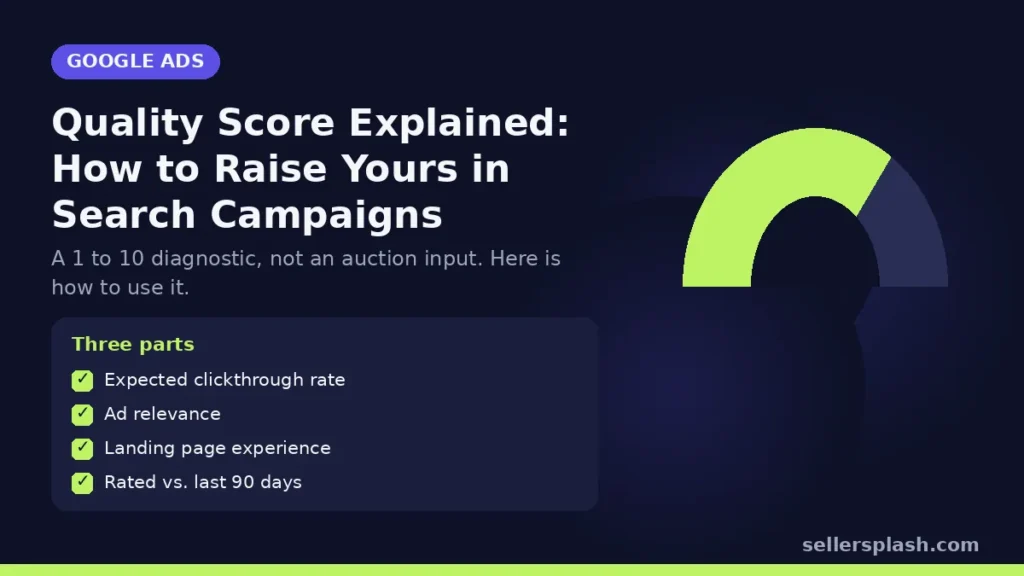
Quality Score is a 1 to 10 rating at the keyword level that shows how your ads and landing pages compare with other advertisers for the same searches. Google describes it as a diagnostic tool, not a key performance indicator, and says it is not an input in the ad auction. It is built from three components: expected clickthrough rate, ad relevance and landing page experience. For an online store, the score is useful as a map: it tells you which keywords need better ads and which need a better landing page. This guide explains each part and the fixes that work.
What Quality Score Is, and What It Is Not
Google's Quality Score help page says a higher score means your ad and landing page are more relevant and useful to someone searching your keyword, compared with other advertisers. It also says two things many advertisers miss:
- Quality Score should not be optimized as a goal or aggregated with the rest of your data.
- Quality Score is not an input in the ad auction.
What does matter in the auction is ad quality at that moment. Google's Ad Rank article says Ad Rank is calculated from several factors, including your bid, the quality of your ads and landing page, your competition and the context of the search. Quality Score is a historical summary of the same ingredients, which is why improving it usually goes together with better performance.
The Three Components
| Component | Google's definition | Main lever for a store |
|---|---|---|
| Expected clickthrough rate | The likelihood your ad will be clicked when shown | Headlines that match the search, prices, offers and extensions |
| Ad relevance | How closely your ad matches the intent behind a search | Tight ad groups and keyword themed headlines |
| Landing page experience | How relevant and useful your page is to people who click | Sending each keyword to the exact product or category page |
Google rates each component Above average, Average or Below average, compared with other advertisers whose ads showed for the exact same search over the last 90 days.
How to Read the Score
Add the Quality Score columns, including the three component columns, to your keywords view. A few points from Google's documentation:
- The score is based on historical impressions for exact searches of the keyword, so changing match types will not change it.
- A dash in the column means there aren't enough searches that exactly match the keyword to calculate a score.
- A broad match keyword can show a score without impressions if a matching exact match keyword has impressions in the last 90 days.
How to Improve Quality Score: 6 Steps
1. Start with the component that is Below average
Fixing a Below average component is where the gains are. Sort keywords by spend and work on the highest spending ones first.
2. Split mixed ad groups
If one ad group holds "running shoes," "trail shoes" and "shoe insoles," no single ad can be relevant to all three. Group keywords by the product or category they lead to.
3. Put the keyword theme in your headlines
Ad relevance improves when the ad clearly answers the search. Our guide to responsive search ads covers how to write headline sets that match keywords without over pinning.
4. Send clicks to the closest page
A search for a specific product should land on that product, not the home page. A broad category search should land on a filtered category page that shows matching items in stock.
5. Improve the landing page itself
Fast loading, clear price and shipping information, real product images and an obvious add to cart button make the page more useful. Our Core Web Vitals guide covers speed.
6. Raise expected CTR with honest offers
Free shipping thresholds, return windows and sitelinks to top categories give shoppers reasons to click. Remove keywords that never match buying intent with negative keywords.
Quick Checklist
- Quality Score and component columns added
- High spend keywords with Below average components listed
- Ad groups themed around one product or category
- Headlines reflect each ad group's keywords
- Each keyword sends traffic to the closest matching page
- Landing pages fast and clear on price, shipping and stock
Where an Agency Fits
Quality Score problems are usually structure and landing page problems. Our Google Ads management fixes both together for online stores.
Want an outside review of your search account? The Full AI Visibility Audit ($99) reviews how search and AI assistants see your brand, and the Deep Growth Audit ($249) adds search, traffic, ads and product feed checks with a 90 day plan.
Frequently Asked Questions
What is a good Quality Score in Google Ads?
Quality Score runs from 1 to 10. Google treats it as a diagnostic, so focus on any component rated Below average rather than chasing a particular number.
Is Quality Score used in the ad auction?
No. Google says Quality Score is not an input in the ad auction. Ad Rank uses real time ad quality, your bid, competition and search context.
What are the three Quality Score components?
Expected clickthrough rate, ad relevance and landing page experience, each rated Above average, Average or Below average.
Why does my keyword show a dash instead of a Quality Score?
Google says a dash means there aren't enough searches that exactly match the keyword to determine a score.
Does changing match type change Quality Score?
No. Google says Quality Score is based on historical impressions for exact searches of the keyword, so changing match type will not affect it.
How do I improve landing page experience?
Send each keyword to the most relevant product or category page, and make that page fast, clear on price and shipping, and easy to buy from.
AI search and ads readiness checklist
25 checks for Amazon, Walmart and Shopify sellers: tracking, product feeds, Google, Bing and Meta ads, and getting cited by ChatGPT, Perplexity and Google AI Overviews. Two pages, about 20 minutes.
- Break-even ROAS table by margin
- The AI search (AEO) checks most stores miss
- A simple score that tells you what to fix first
No spam. We use your email to send the checklist and follow up about it.
Want to see where your store stands in AI search? Get the Full AI Visibility Audit for $99 or the Deep Growth Audit for $249.
Get your AI visibility audit