Enhanced Conversions for Ecommerce: Setup and Checks
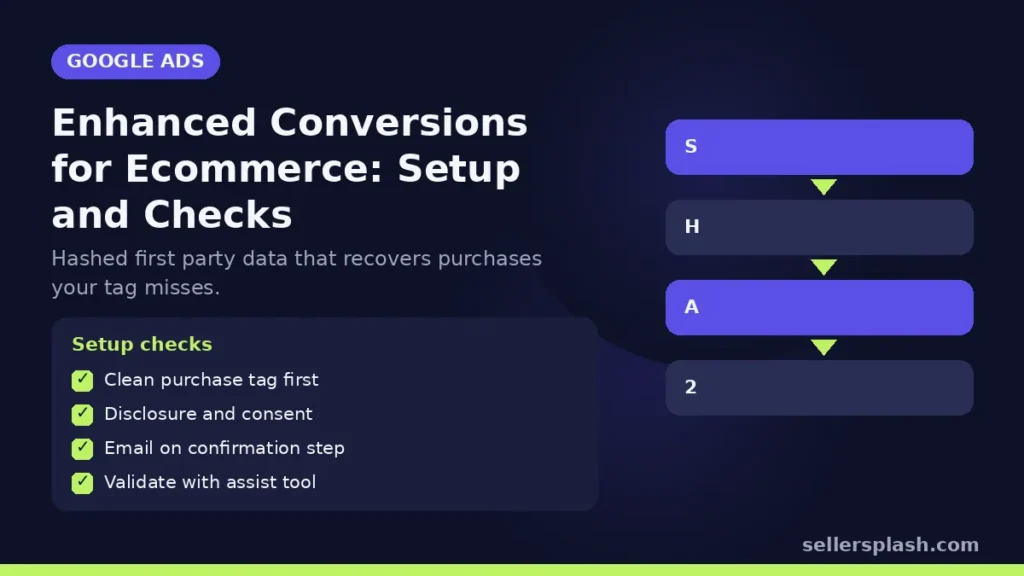
Enhanced conversions is a Google Ads feature that sends hashed first party data, such as the email address a customer enters at checkout, alongside your conversion tag, so Google can match more purchases to the ads that drove them. Google says the feature can improve the accuracy of your conversion measurement and unlock more powerful bidding, and that the data is hashed with SHA256 before it is sent. For an online store, that means fewer purchases lost from reporting and better data for Smart Bidding. This guide covers how it works, the setup options, and the checks to run after launch.
How Enhanced Conversions for Web Works
Google's enhanced conversions for web article describes four steps:
- A signed in Google user sees or clicks your ad.
- The user buys on your website.
- Your conversion tag captures a field you chose, such as email, hashes it and sends it to Google.
- Google matches the hashed data with hashed Google account data and reports the conversion in your account.
Google lists three benefits: recovering conversions that otherwise wouldn't have been measured, improving bidding through better data, and privacy through hashing. Google also notes that when you use Google Ads tags with Google tag gateway or server side Google Tag Manager, the data is encrypted before transmission, and that matching happens inside a confidential computing environment.
Web Versus Leads
| Enhanced conversions for web | Enhanced conversions for leads | |
|---|---|---|
| Best for | Sales that happen on your website | Sales that happen offline after a website lead |
| What it improves | Measurement of online conversions | Measurement of offline transactions from website leads |
| Typical store use | Checkout purchases | Wholesale or custom orders closed by phone |
Source: Google Ads Help, About enhanced conversions. Google's help page also says the two are being combined into a single on or off setting, with Google Ads accepting user provided data from website tags, Data Manager and API connections from April 2026, and existing users migrated automatically. Check the setting in your account rather than assuming which version you have.
Setup Options for a Store
Google lists three ways to set up enhanced conversions for web:
- Google Tag Manager: if your conversion tracking already runs through Tag Manager, Google says setup needs only slight changes to your configuration.
- The Google tag: if the Google tag sits directly on your pages, not inside a third party tool or iframe, you can enable it with slight configuration changes.
- Google Ads API: for teams that want more control over the data they send.
Many ecommerce platforms and apps also handle the tagging for you. Whichever route you use, the key is that the purchase event has access to the customer's email or phone number on the order confirmation step.
Enhanced Conversions Setup Checklist: 6 Steps
1. Confirm your purchase conversion is clean
Enhanced conversions improves an existing tag. If purchases are double counted or missing values, fix that first.
2. Review policy and consent
Google requires advertisers to follow its customer data policies, which require you to disclose to customers that you share their information with third parties for ad measurement, and to obtain consent where legally required. Connect your consent setup so data is only sent when allowed. Our consent mode guide covers the consent side.
3. Turn it on in Google Ads
In the conversion settings, accept the customer data terms and choose your implementation method.
4. Map the customer fields
Email is the most important field. Add phone, name and address where your checkout collects them reliably.
5. Validate with Google's tools
Google offers an enhanced conversions assist tool for Chrome with step by step guidance to validate and troubleshoot the setup. Run a test order and check the diagnostics in Google Ads after it has had time to process.
6. Watch bidding for a few weeks
More measured conversions change what Smart Bidding sees. Compare cost per acquisition and return on ad spend before and after, and avoid making other big changes in the same window.
Quick Checklist
- Purchase conversion tag firing once per order with value
- Privacy policy disclosure and consent setup in place
- Enhanced conversions turned on with the right method
- Email captured on the confirmation step
- Diagnostics checked after a test order
- Bidding results reviewed after a few weeks
Where an Agency Fits
Measurement is the foundation for every bidding decision. Our Google Ads management includes conversion tracking audits, and our guides on GA4 ecommerce tracking and Meta Conversions API cover the other platforms.
Not sure your conversion data is right? The Full AI Visibility Audit ($99) reviews how search and AI assistants see your brand, and the Deep Growth Audit ($249) adds search, traffic, ads and product feed checks with a 90 day plan.
Frequently Asked Questions
What are Google Ads enhanced conversions?
A feature that sends hashed first party customer data, such as an email address, with your conversion tag so Google can match more conversions to signed in users who engaged with your ads.
Is enhanced conversions data hashed?
Yes. Google says customer data is hashed with SHA256 before it is sent, and with Google tag gateway or server side Tag Manager the data is also encrypted before transmission.
How do I set up enhanced conversions for web?
Google lists three methods: Google Tag Manager, the Google tag placed directly on your pages, or the Google Ads API.
What is the difference between enhanced conversions for web and for leads?
Web improves measurement of sales on your website. Leads improves measurement of offline sales that started as website leads.
Do I need consent for enhanced conversions?
Google's customer data policies require you to disclose to customers that you share their information for ad measurement and to obtain consent where legally required.
How do I check enhanced conversions is working?
Use Google's enhanced conversions assist tool for Chrome, place a test order and review the diagnostics in Google Ads once data has processed.
AI search and ads readiness checklist
25 checks for Amazon, Walmart and Shopify sellers: tracking, product feeds, Google, Bing and Meta ads, and getting cited by ChatGPT, Perplexity and Google AI Overviews. Two pages, about 20 minutes.
- Break-even ROAS table by margin
- The AI search (AEO) checks most stores miss
- A simple score that tells you what to fix first
No spam. We use your email to send the checklist and follow up about it.
Want to see where your store stands in AI search? Get the Full AI Visibility Audit for $99 or the Deep Growth Audit for $249.
Get your AI visibility audit